With CAD architecture playing a crucial role in the evolution of architectural design, this article delves into the fascinating realm of how technology has reshaped the way buildings are envisioned and constructed. From streamlining drafting processes to enhancing collaboration, CAD software has truly revolutionized the field of architecture.
Overview of CAD in Architecture
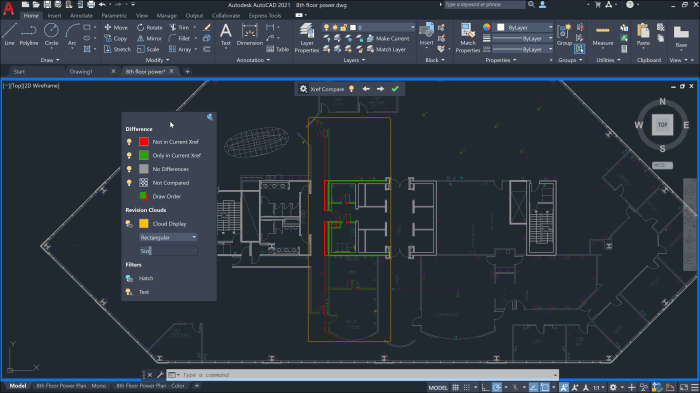
CAD (Computer-Aided Design) has become an indispensable tool in the field of architecture, revolutionizing the way architectural designs are created and developed. Through the use of specialized software, architects can now efficiently produce detailed drawings, blueprints, and 3D models of buildings, enabling them to visualize their designs in a digital environment before construction begins.
Role of CAD in Architecture
CAD software plays a crucial role in architecture by allowing architects to create precise and accurate drawings, analyze different design options, and collaborate with other professionals involved in the construction process. It provides a platform for architects to experiment with various design elements, such as materials, lighting, and spatial arrangements, to achieve the desired aesthetic and functional outcomes.
Benefits of Using CAD Software in Architectural Design
- Enhanced Precision: CAD software enables architects to create highly detailed and accurate drawings, reducing the margin of error in the design process.
- Efficiency: By automating repetitive tasks and facilitating quick modifications, CAD software helps architects save time and streamline the design workflow.
- Visualization: CAD allows architects to create realistic 3D models of their designs, helping clients and stakeholders visualize the final product and make informed decisions.
- Collaboration: CAD software promotes collaboration among architects, engineers, and contractors by providing a centralized platform for sharing and reviewing design data.
Revolutionizing the Field of Architecture
CAD technology has transformed the field of architecture by enabling architects to explore innovative design concepts, optimize building performance, and communicate their ideas effectively. The ability to quickly iterate and refine designs in a digital environment has significantly accelerated the design process, leading to more efficient and sustainable architectural solutions.
CAD Software for Architects
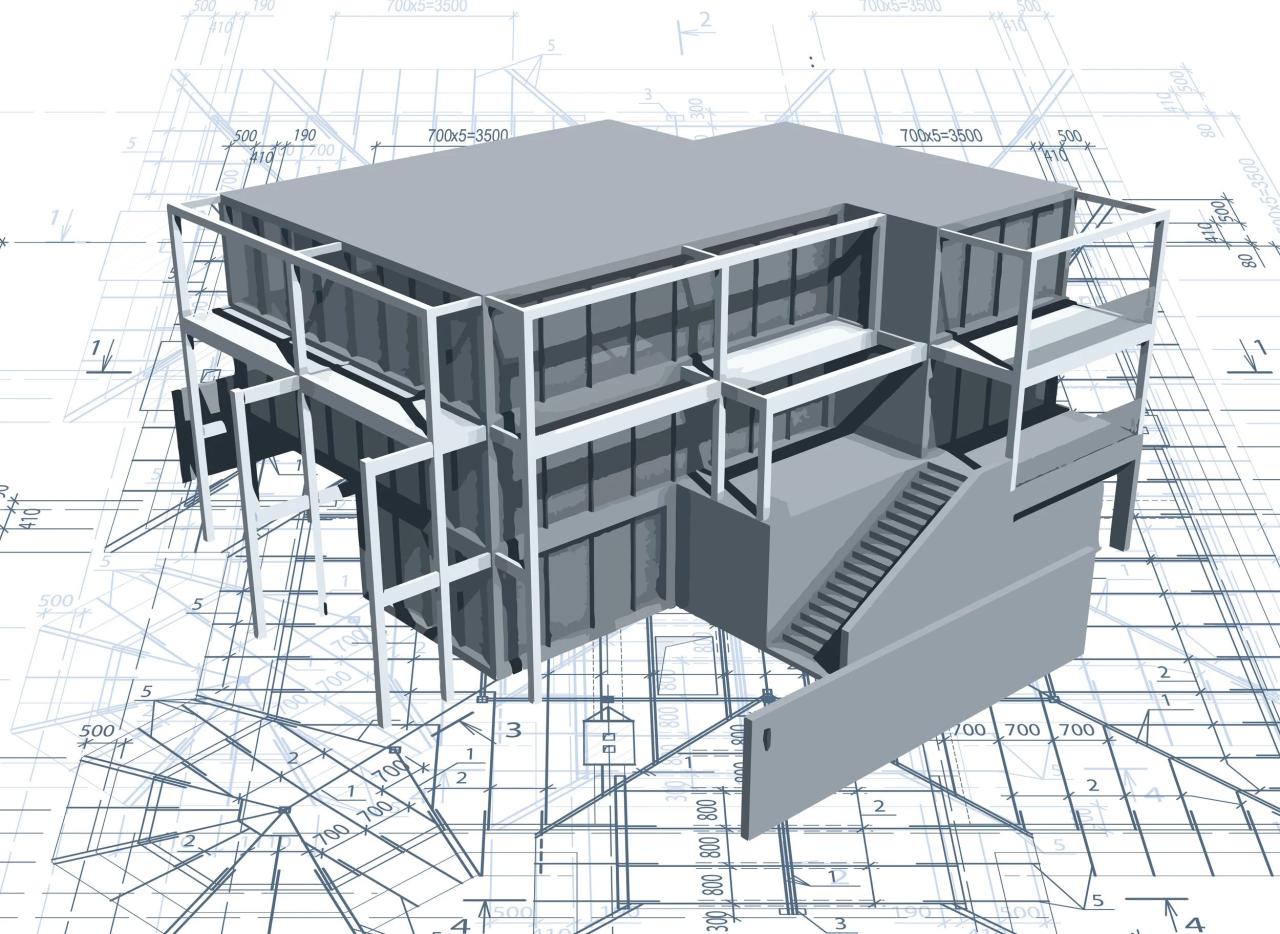
In the field of architecture, CAD software plays a crucial role in the design process, allowing architects to create detailed and accurate drawings with ease. There are several popular CAD software options available to architects, each with its own unique features and capabilities.
AutoCAD
AutoCAD is one of the most widely used CAD software programs in the architecture industry. It offers a wide range of tools for creating 2D and 3D drawings, allowing architects to visualize their designs in a realistic manner. AutoCAD also provides features for precise measurements, annotations, and collaboration with other team members.
Revit
Revit is another popular choice among architects, particularly for its Building Information Modeling (BIM) capabilities. This software allows architects to create intelligent 3D models that can be used for design, visualization, and analysis. Revit also enables better coordination between different disciplines involved in a project, such as engineers and contractors.
SketchUp
SketchUp is known for its user-friendly interface and intuitive tools, making it a favorite among architects for quick conceptual design. It allows architects to create 3D models and renderings easily, making it ideal for presenting design ideas to clients. SketchUp also offers a large library of pre-made 3D models and plugins for added functionality.Overall, CAD software enhances the architectural design process by providing architects with the tools they need to create accurate and detailed drawings, visualize designs in 3D, collaborate with team members, and present their ideas effectively to clients.
By utilizing CAD software, architects can streamline their workflow, improve efficiency, and ultimately create better designs.
Integration of CAD with BIM
CAD and Building Information Modeling (BIM) are two crucial tools in architecture that work hand in hand to enhance the efficiency and accuracy of architectural projects. While CAD focuses on creating detailed 2D and 3D designs, BIM takes it a step further by incorporating intelligent data to create a virtual model of the building.
Benefits of CAD-BIM Integration
- Streamlined Workflow: By combining CAD and BIM, architects can seamlessly transition from design development to construction documentation, eliminating the need for manual data transfer.
- Improved Collaboration: CAD-BIM integration allows for real-time collaboration among architects, engineers, and other stakeholders, leading to better coordination and communication throughout the project.
- Enhanced Visualization: BIM enhances the visualization capabilities of CAD models by adding valuable information such as material specifications, quantities, and costs, providing a comprehensive view of the project.
Successful Integration Examples
- One World Trade Center: The iconic skyscraper in New York City was designed using a combination of CAD and BIM, allowing the architects to create precise geometric shapes and intricate details while managing complex construction requirements.
- Burj Khalifa: The tallest building in the world, Burj Khalifa in Dubai, utilized CAD-BIM integration to optimize the design process, improve efficiency, and ensure accurate construction of the monumental structure.
CAD Drafting Techniques
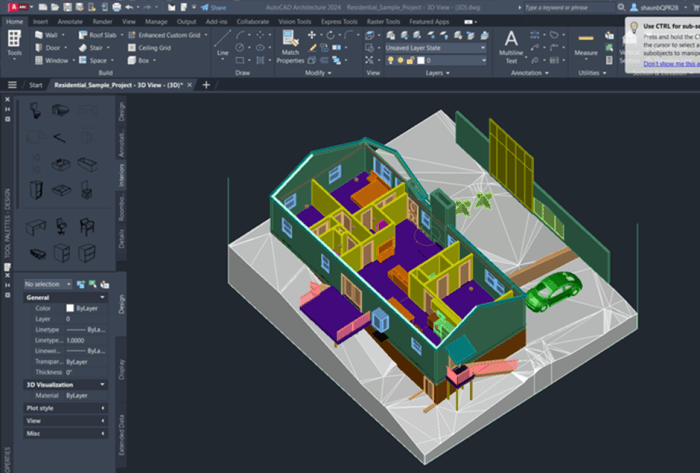
When it comes to architectural drawings, utilizing precise and accurate drafting techniques is crucial in CAD software. These techniques help architects effectively communicate their design ideas and ensure that the final construction matches their vision.
Common Drafting Techniques in CAD
- Utilizing snap tools for precise alignment and positioning of elements.
- Creating reusable blocks for commonly used elements like doors, windows, and furniture.
- Applying hatching and shading to indicate materials and textures.
- Using annotation tools for labeling and adding notes to the drawing.
Tips for Precision in Architectural Drawings
- Always work in the appropriate scale to accurately represent the size and proportions of the design.
- Organize drawing elements into layers for better management and control of visibility.
- Double-check dimensions and ensure consistency throughout the drawing to avoid errors.
- Regularly save and back up your work to prevent data loss and maintain progress.
Importance of Scale, Layers, and Dimensions
- Scale:Determines the relationship between the drawing and the actual building, crucial for accurate representation.
- Layers:Allow for organization and control of different elements within the drawing, enhancing clarity and ease of editing.
- Dimensions:Provide vital information about the size, spacing, and layout of architectural components, aiding in construction and evaluation.
Concluding Remarks
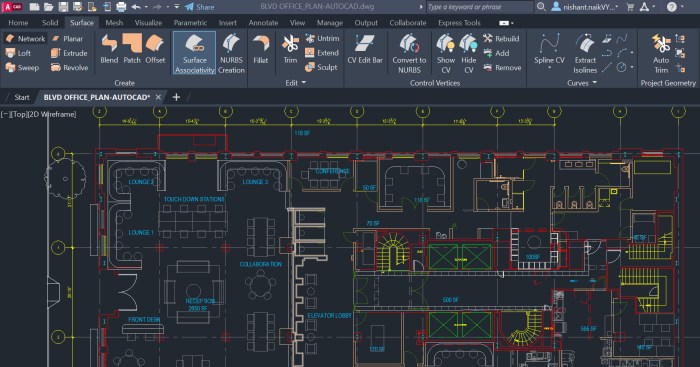
In conclusion, CAD architecture stands as a testament to the power of technology in transforming the architectural landscape. Through its integration with BIM and advanced drafting techniques, CAD continues to push the boundaries of creativity and efficiency in architectural design.
Query Resolution
How has CAD software influenced architectural design?
CAD software has significantly improved the efficiency and precision of architectural design by allowing architects to create detailed digital models and drawings.
What are some popular CAD software used by architects?
Popular CAD software includes AutoCAD, Revit, ArchiCAD, and SketchUp, each offering unique features tailored to architectural design needs.
Why is the integration of CAD with BIM important in architecture?
The integration of CAD with BIM allows architects to combine 3D modeling with project data, enabling better collaboration, coordination, and visualization throughout the design process.
How can CAD drafting techniques enhance architectural drawings?
By utilizing precise scale, layers, and dimensions, CAD drafting techniques ensure accurate and detailed architectural drawings that are essential for effective communication and construction.